
Must Have Plugins for Every WordPress Developer
As a WordPress developer, your toolkit determines how fast you can move and how reliable your builds are. The right plugins give you superpowers for debugging, performance, security, and scalability. The wrong ones slow your site down or create fragile, hard to maintain stacks.

In this guide, we will walk through a curated set of must have WordPress plugins that help you ship fast, secure, and scalable projects. We will look at what each category is for, which tools stand out, and how to keep your plugin stack lean instead of bloated.
How to Choose Performance Friendly Plugins
Before you install anything, it helps to have a simple plugin strategy. Every plugin should have a clear job, a low performance cost, and an active maintainer behind it. If you can keep those three rules in mind, your projects stay faster and easier to support over time.
Good signs to look for
A plugin is usually a safe bet when it is actively maintained, has recent updates, clear documentation, and a focused feature set. Smaller, single purpose plugins are often easier to tune and debug than giant all in one solutions.
Red flags that a plugin may slow your site
Watch out for plugins that load many scripts and styles on every page, add heavy admin panels, or duplicate functionality you already have. If performance drops after activating a plugin, test with Query Monitor or on staging before committing to it.
Rule of thumb for plugin stacks
Aim for one tool per job. If two plugins overlap heavily, decide which one stays and remove the other. This keeps your stack lean and your future debugging sessions simple.
Development Tools
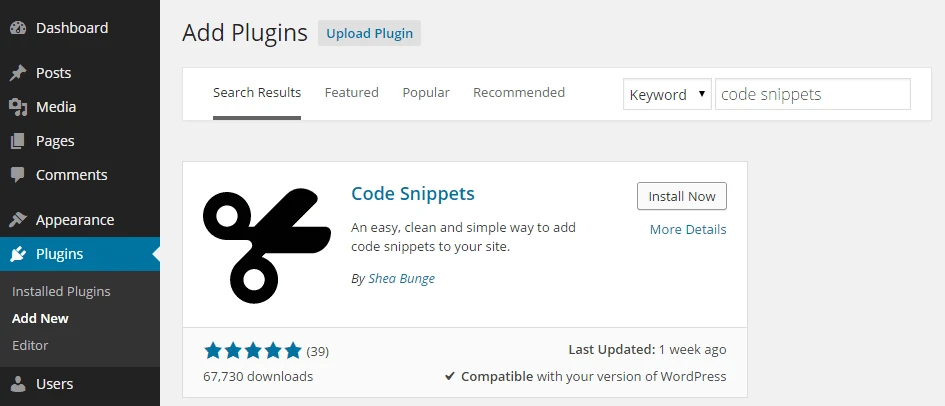
These are the plugins you lean on while building and maintaining sites. They help you model data, debug performance issues, and ship changes without touching core files directly.
- Code Snippets: Add and manage custom code safely without editing theme or plugin files. Great for small functions, filters, and quick fixes.
- Advanced Custom Fields: Attach structured fields to posts, pages, or any custom post type so your content is flexible and developer friendly.
- Query Monitor: Inspect database queries, hooks, HTTP calls, and PHP errors so you can see what is slowing down a page.
- Better Search Replace: Safe find and replace for database migrations and URL changes, especially handy after moving domains.
- Show Current Template: Quickly see which template file is used to render a page when you are working with complex themes.
Pro tip: Hardening your dev stack
Keep Query Monitor active on staging by default and limit its use on production. Use Code Snippets with exportable snippets so you can version control them alongside your theme and plugin code.
Page Builders

Page builders can speed up delivery, but they come with a performance cost if you are not careful. Use them where they truly add value and lean on the block editor for simpler layouts.
- Elementor: Popular site builder with a large ecosystem and template library. Ideal for quickly prototyping landing pages and marketing layouts.
- WPBakery: Legacy builder with front and back end editing. Best reserved for maintaining older sites that already rely on it.
- Classic Editor: Restores the legacy editor for teams that are not ready to move fully into blocks yet.
Contact Forms
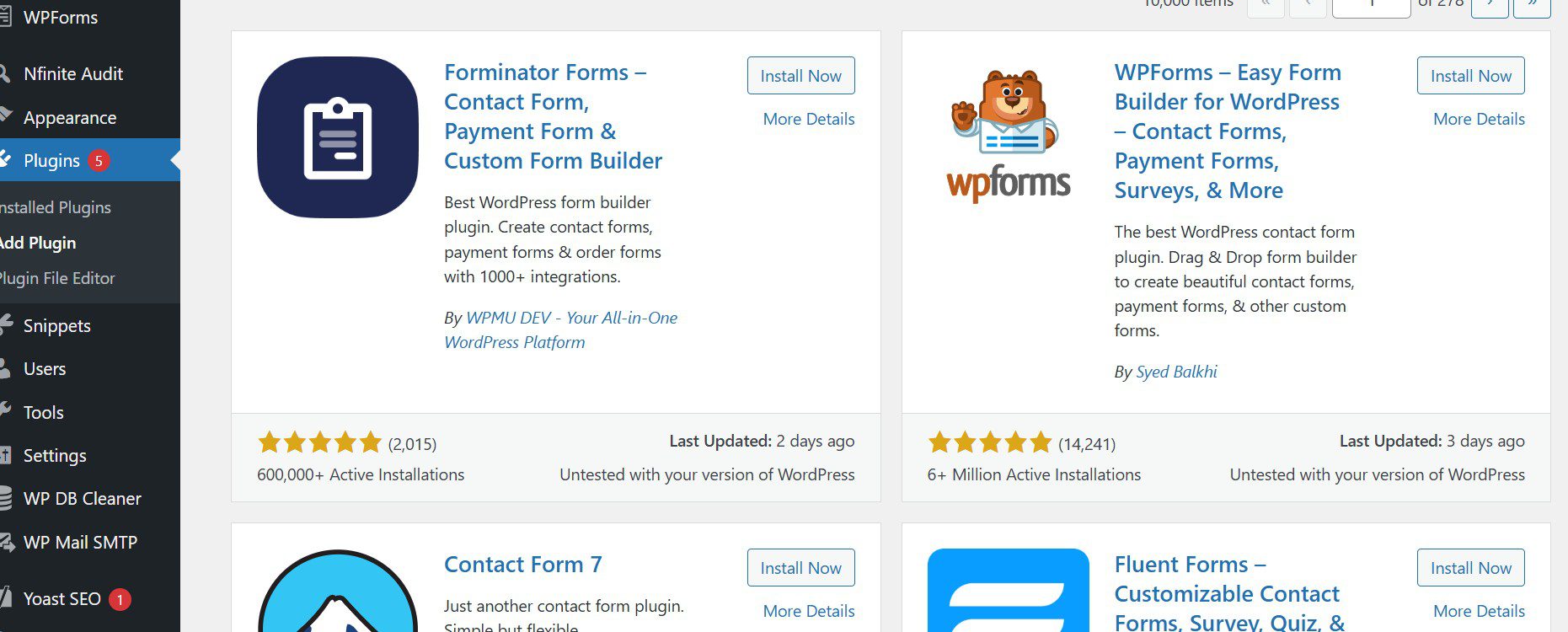
Forms are the front door for leads, bookings, and support requests. You want builders that are reliable, flexible, and easy to connect with email and CRM tools.
- WPForms: Friendly drag and drop form builder that covers simple contact forms through to more advanced use cases.
- WP Mail SMTP: Routes email through SMTP or API so messages actually land in inboxes instead of spam.
- Gravity Forms: Enterprise grade form system with conditional logic, multi step forms, and many integrations.
User Management
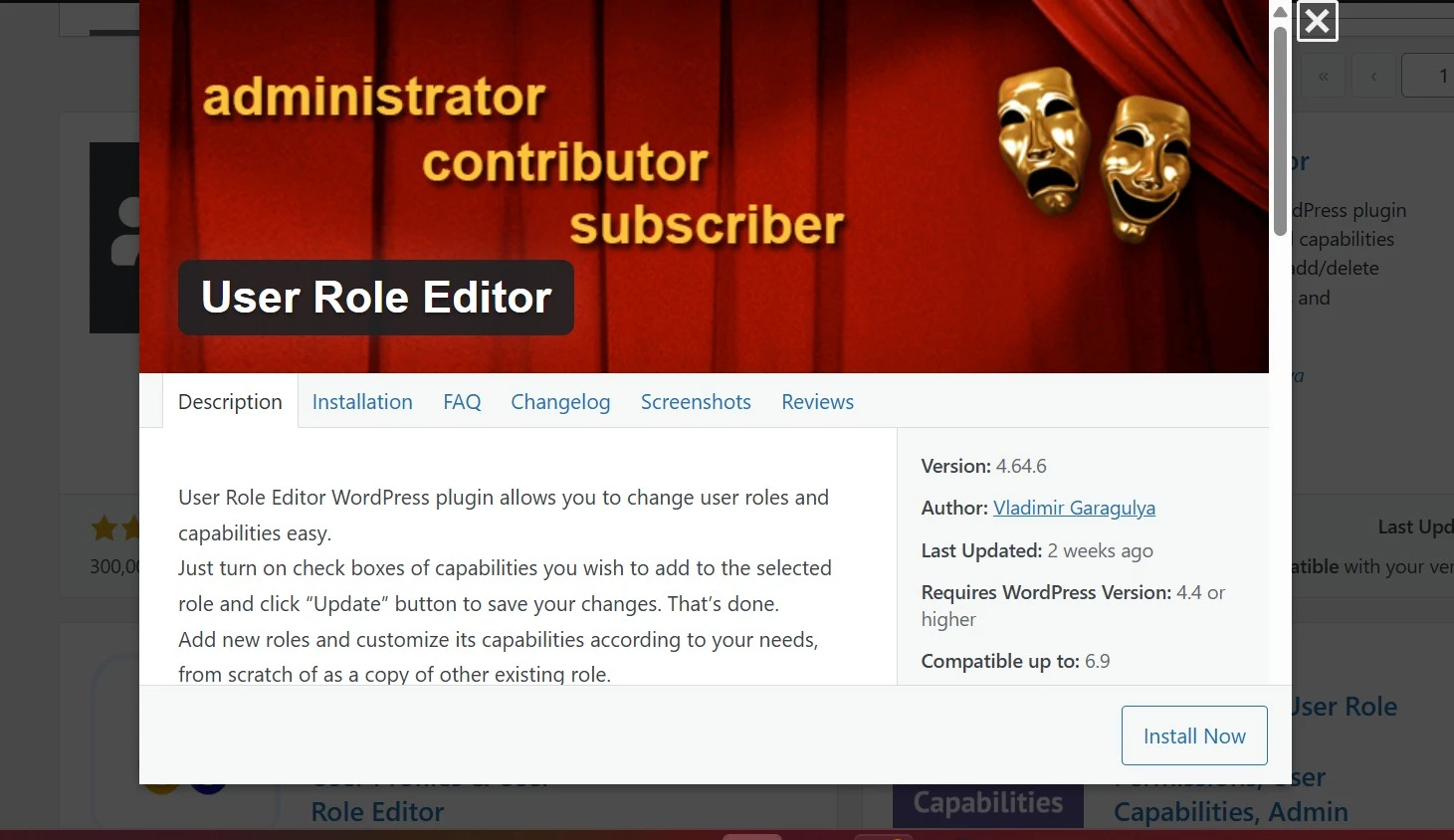
When you are working with membership sites, client portals, or editorial teams, role and capability control becomes critical. These plugins help you gate content and give people only the access they need.
- User Role Editor: Create custom roles and adjust capabilities so your permissions model matches the real world.
- Paid Memberships Pro: Full subscription and membership system with flexible levels, checkout flows, and add ons.
- Members: Lightweight role and access management for simpler membership and gated content setups.
Backup and Security

Backups and security are the safety net for everything you build. When something breaks or a site is compromised, these tools are what get you back online quickly.
- UpdraftPlus: Schedule backups to S3, Google Drive, Dropbox, or other remote storage, with easy one click restores.
- Wordfence Security: Firewall, malware scanning, login protection, and alerts to help keep attackers out.
- Advanced Google reCAPTCHA: Add reCAPTCHA to forms and login pages so bots and spam do not flood your site.
eCommerce

For online stores, you want a stable core that can grow with you. Most WordPress commerce stacks start with one plugin.
- WooCommerce: The standard eCommerce engine for WordPress, with support for physical and digital products, payment gateways, shipping rules, and a large extension library.
SEO and Analytics
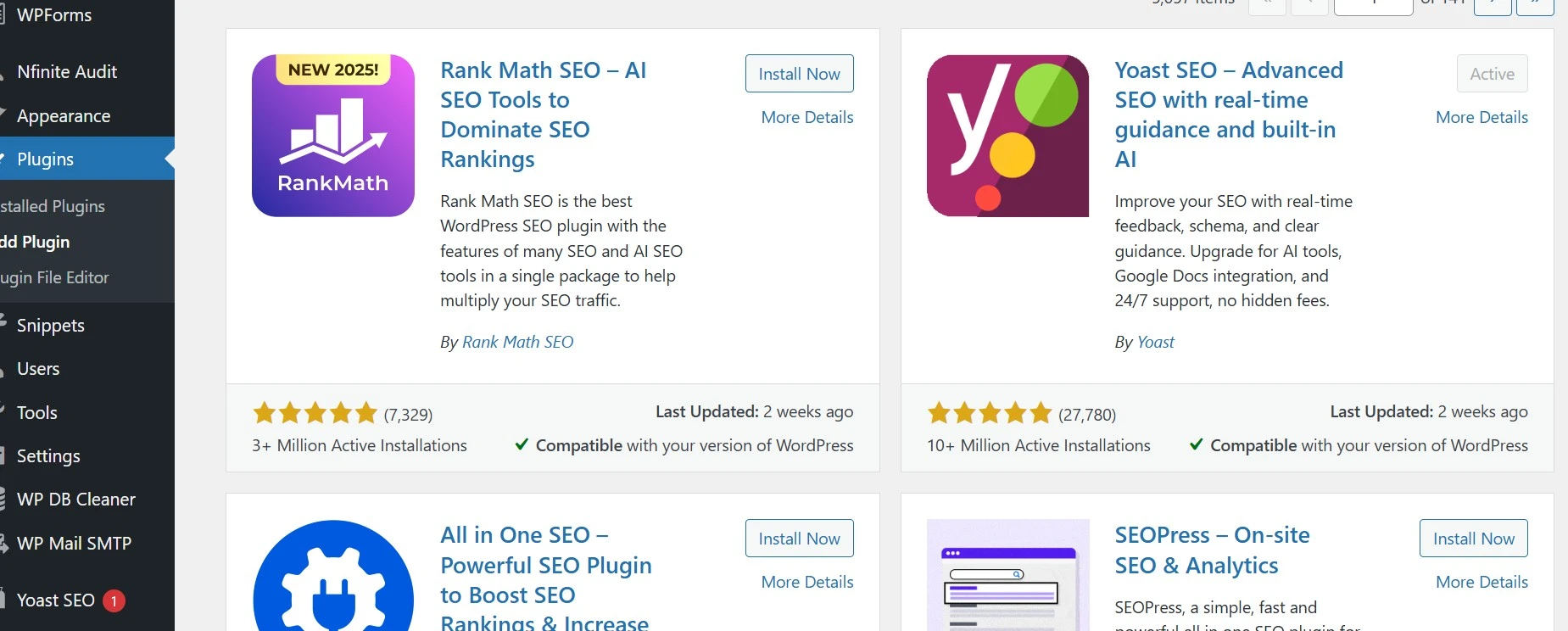
SEO and analytics plugins help you make decisions instead of guesses. They support better on page optimization and give you visibility into what is working.
- MonsterInsights: Brings key Google Analytics reports into the WordPress dashboard so clients can see results without logging into GA.
- Yoast SEO: On page SEO tools, XML sitemaps, and schema controls for most small to midsize sites.
- Rank Math SEO: Advanced schema support, redirects, and keyword tracking for more technical SEO workflows.
Performance
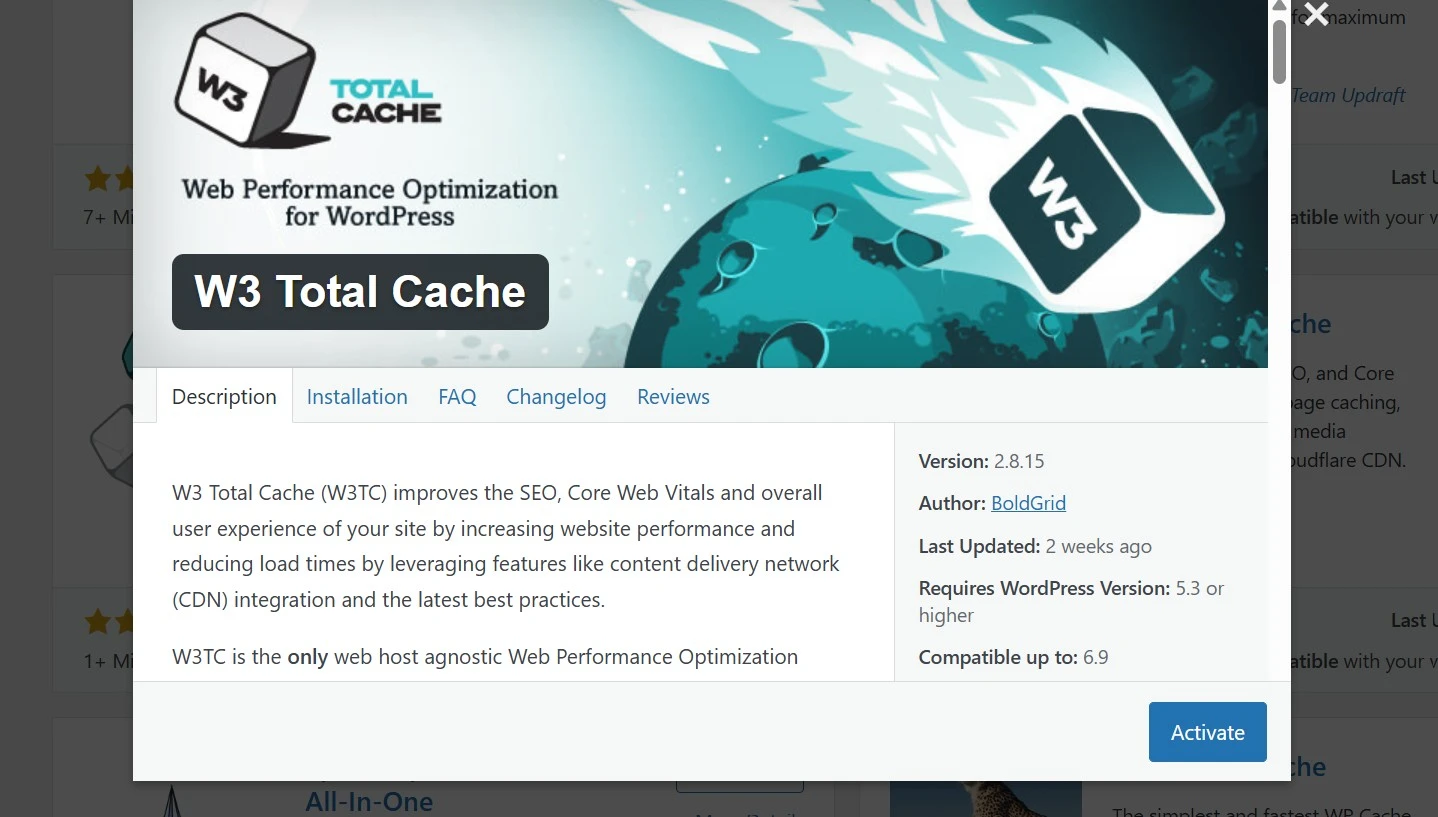
Performance plugins are where you get your biggest wins in speed, Core Web Vitals, and hosting efficiency. Handle caching, images, and database hygiene here, then confirm the impact in PageSpeed Insights.
- W3 Total Cache: Full stack caching with page, object, and browser cache, plus minification and CDN integrations.
- WP Rocket: Premium caching plugin with smart defaults, preloading, and options to delay JavaScript execution for better Lighthouse scores.
- Smush: Lossless image compression and lazy loading so media heavy pages stay fast.
- Advanced Database Cleaner: Cleans up transients, revisions, and leftover tables to keep the database lean.
| Use case | Recommended plugin | Notes |
|---|---|---|
| Caching | W3 Total Cache or WP Rocket | Choose one solution and configure it well instead of stacking multiple cache plugins. |
| Images | Smush | Batch compress and enable lazy loading on all templates. |
| Database hygiene | Advanced Database Cleaner | Schedule weekly or monthly cleanups on low traffic windows. |
AI and Automation

AI tools can help with content drafts, chatbots, and small automations inside WordPress. Used carefully, they speed up workflows without replacing your judgment.
- AI Engine: Adds chatbots, content assistants, and AI powered tools directly inside the dashboard.
Other Essentials

These utilities handle redirects, file access, and media clean up. They are not flashy, but they solve problems you run into on almost every project.
- Redirection: Manage 301 redirects and monitor 404 errors after launches and migrations.
- Advanced File Manager: Work with files from inside the dashboard. Restrict this to admins only for safety.
- Jetpack: Modular suite that can cover security, backups, and performance in one install if you prefer an all in one approach.
- Force Regenerate Thumbnails: Rebuild image sizes after changing themes or thumbnail settings so layouts look clean.
Bottom Line
A well chosen plugin stack is one of the biggest advantages you can have as a WordPress developer. Pick one tool per job, avoid overlapping features, and test changes on staging before rolling them into production. When you combine lean plugins with quality hosting and smart caching, your sites will feel faster, break less, and be far easier to maintain over time.