
What is Caching in WordPress?
Caching is a technique used in web development to store and serve static copies of dynamic web pages or elements. Without caching, every request would rebuild the page from scratch—slow and resource-heavy. With caching, repeat visits are served from a fast, stored copy.
Caching is foundational to WordPress performance. It improves speed, reduces server load, and keeps the experience smooth as traffic grows.
What To Look For in a Caching Plugin
Choose a plugin that boosts performance, improves UX, and is simple to manage. These are the essentials:
Page Caching
Stores the full HTML output of a page and serves it from cache on subsequent visits to slash load times.
Browser Caching
Lets CSS/JS/images live in the visitor’s browser so repeat page views don’t re-download assets.
Object Caching
Saves the results of expensive database queries in memory (e.g., Redis) to speed up PHP execution.
Database Caching
Caches query results to reduce repeated queries and lower response times.
Minification / Concatenation
Removes whitespace/comments and can combine files to reduce requests and payload size.
Lazy Loading
Defers offscreen images/videos until scrolled into view for faster initial render.
CDN Support
Works with a CDN to deliver assets from the closest edge location to the user.
Advanced Cache Purging
Auto-clears cache on content updates so visitors always see fresh versions.
Popular Caching Plugins for WordPress
You typically only want one caching plugin at a time (unless you’re doing something very specific). These are solid picks:
1. FlyingPress
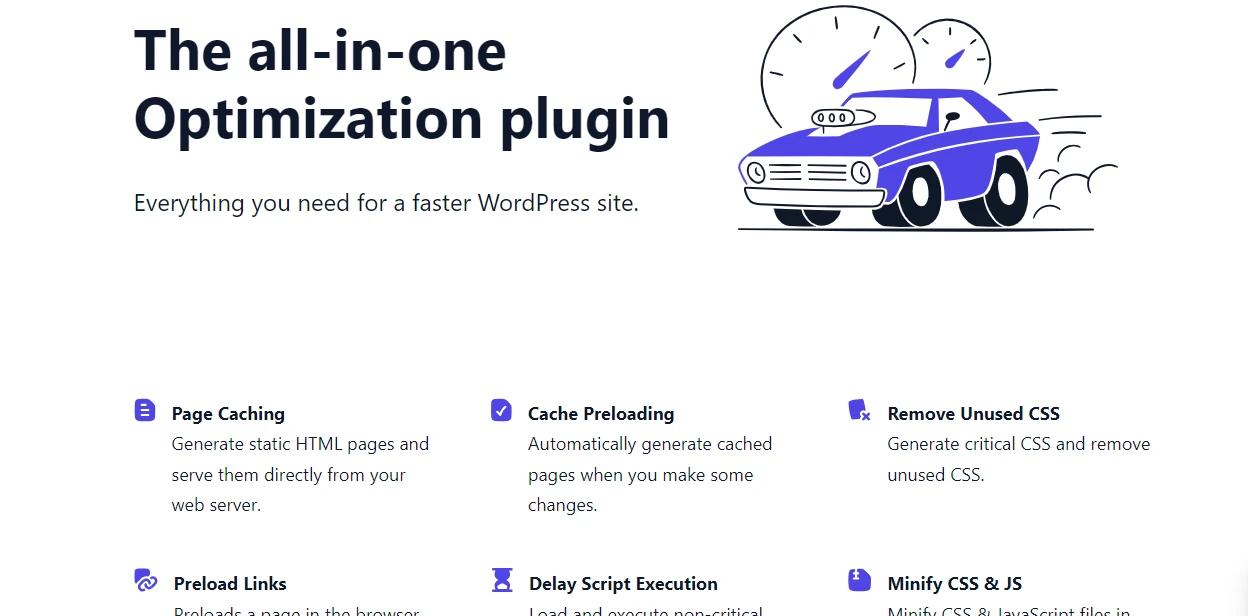
FlyingPress goes beyond basics: unused CSS removal, critical image preloading, smart background-image lazy load, delayed JS, local font hosting, plus FlyingCDN (BunnyCDN).
| Support Grade | Best Pricing | Installation |
|---|---|---|
| B+ | $249 (one time) | View Instructions |
2. WP Rocket
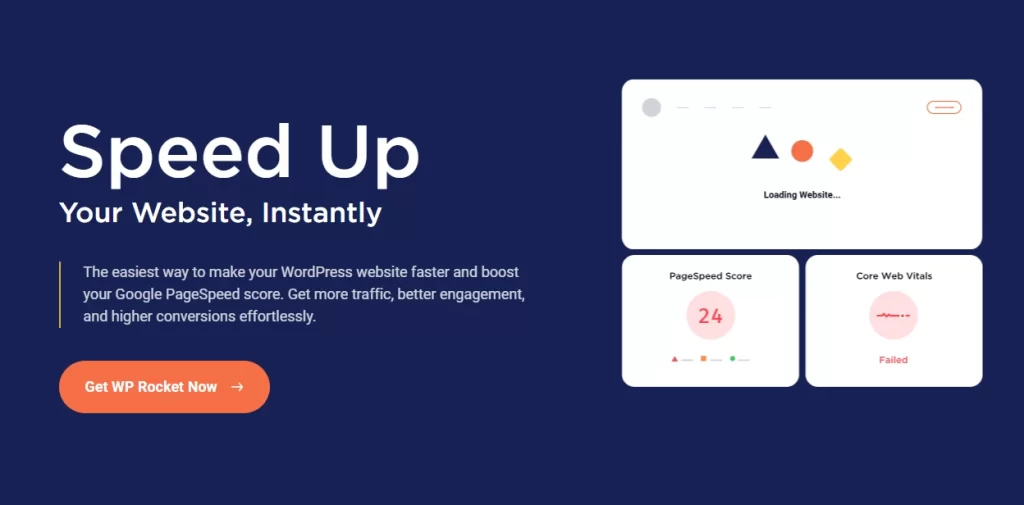
Premium and beginner-friendly. One activation often yields instant speed gains. Features include page cache, minify, lazy load, DB cleanup, and JS delay for better Core Web Vitals.
| Support Grade | Best Pricing | Installation |
|---|---|---|
| B | $49/year | View Instructions |
3. W3 Total Cache
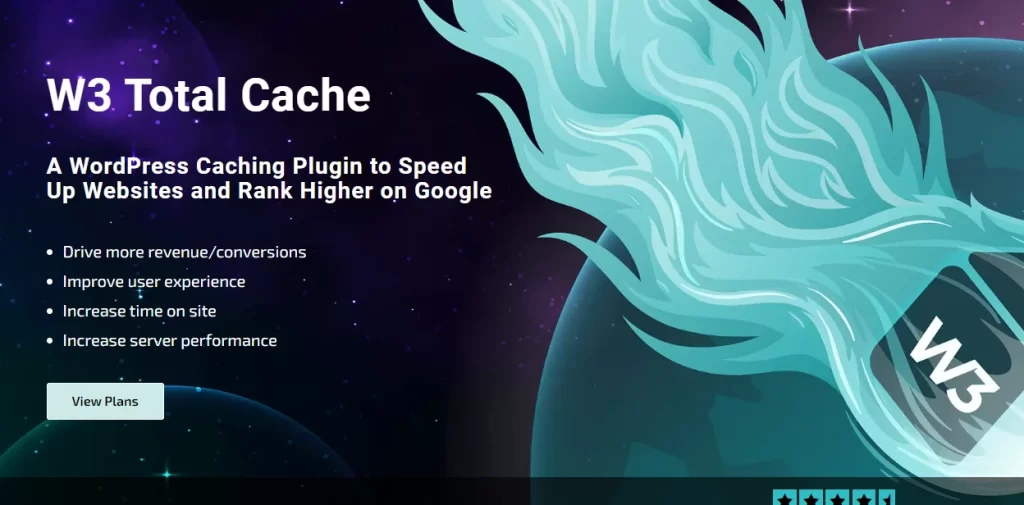
Free, powerful, and highly configurable: page/object/database caching, CDN integration, minification, and more. Best for users who want fine-grained control.
| Support Grade | Best Pricing | Installation |
|---|---|---|
| A | Free | View Instructions |
4. LiteSpeed Cache
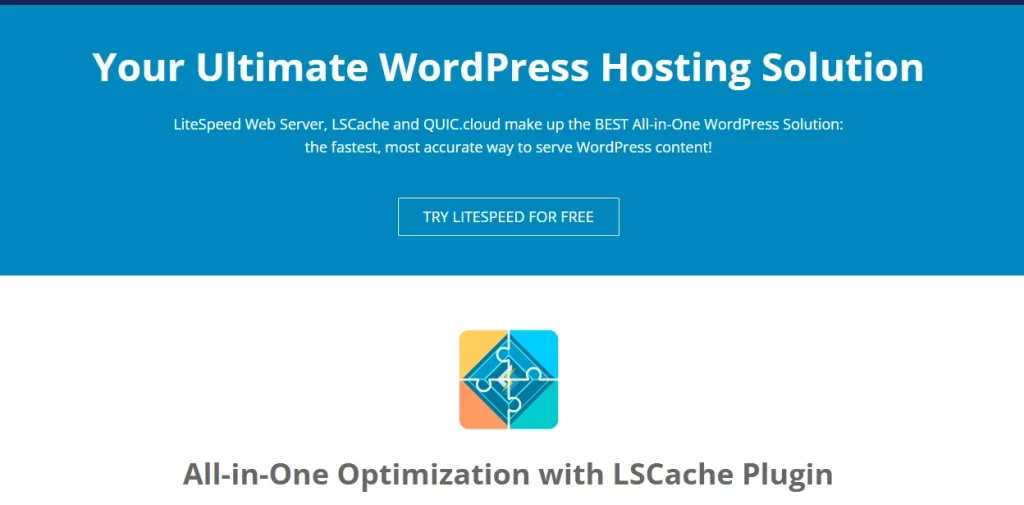
Designed for LiteSpeed servers with server-level caching, image optimization, LQIP placeholders, and Guest Mode for first-time visitors. Best on LiteSpeed hosting.
| Support Grade | Best Pricing | Installation |
|---|---|---|
| C+ | Free | View Instructions |
Caching Wrap Up
Match the plugin to your hosting stack, skill level, and budget. Whether you prefer simple setup or granular control, the right cache can dramatically improve load times and UX.
Ultimately, the best caching plugin is the one that fits your workflow and delivers consistent, measurable results.
