
What Is a CDN?
A Content Delivery Network (CDN) is a network of servers distributed around the world that stores and delivers copies of your site’s static (and sometimes dynamic) content—images, CSS, JavaScript, videos, and more.
When someone visits your site, the CDN serves content from the server closest to that user. This reduces distance and latency, cuts load times, eases bandwidth on your origin server, and helps your site handle traffic spikes more reliably.
How CDN Caching Works
CDNs speed up delivery by caching your assets on “edge” servers around the globe. Visitors fetch files from the nearest edge instead of your origin, which lowers round-trip time and improves page speed and consistency—especially for global audiences.
This setup also reduces origin bandwidth and CPU usage, letting your server focus on dynamic requests while the CDN efficiently serves cached content.
What to Look For in a WordPress CDN
WordPress Integration
Prefer CDNs with an official WordPress plugin or simple setup and cache-purge controls.
Global Server Network
More PoPs (Points of Presence) usually means lower latency and faster delivery worldwide.
Caching Efficiency
Look for smart caching of static files and, if possible, options for dynamic/page caching.
Security Features
DDoS protection, SSL/TLS, WAF, and hotlink protection should be available or easy to add.
Easy CDN Purging
Clearing cache from the WordPress dashboard helps ensure updates appear instantly.
Image Optimization
Automatic resizing, WebP conversion, and lazy loading can dramatically reduce payloads.
Real-time Analytics
Useful metrics include cache hit ratio, bandwidth, and top assets/regions.
Customer Support
Responsive, knowledgeable support—ideally with WordPress-specific guidance.
Best Content Delivery Networks (CDN) for WordPress
Bunny CDN
Bunny.net is a fast, affordable CDN with an easy WordPress integration, making it a great choice for small businesses and beginners. Highlights include a helpful control panel, quick setup, strong global coverage, image optimization, real-time analytics, and a 99.99% uptime guarantee. While there’s no permanent free tier, a 14-day trial is available.
- Quick WP setup and intuitive dashboard
- Global PoP network for reliable performance
- Image and video acceleration options
- Transparent, low cost per GB
- 24/7 support with fast response times
Cloudflare
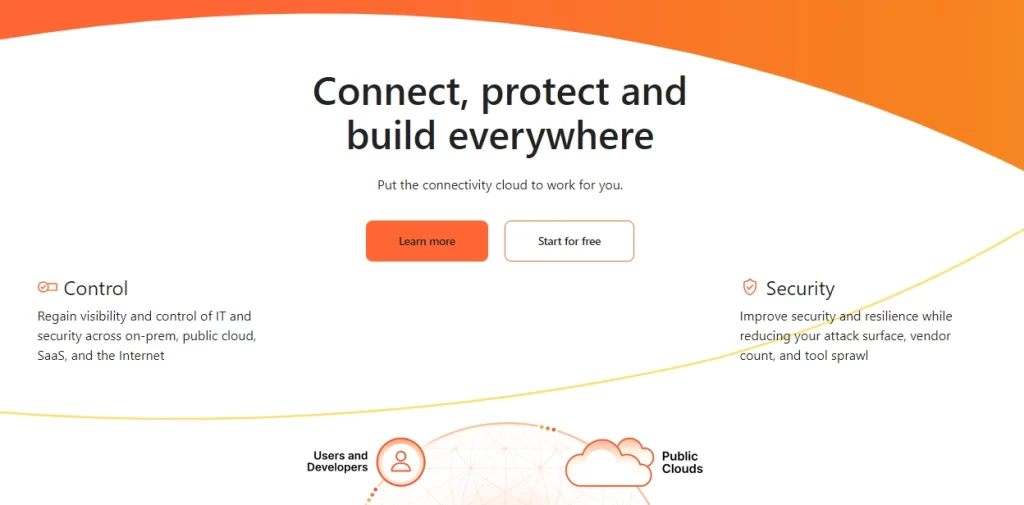
Cloudflare operates as a reverse proxy with a global network in 200+ cities. Setup is straightforward—update your nameservers—and Cloudflare accelerates both static and dynamic content while reducing origin load. Security is a strong suit, with built-in DDoS protection, WAF (on paid tiers), one-click SSL, HTTP/3, and smart routing.
Plans range from a generous free tier to Pro, Business, and Enterprise for advanced features, priority support, and deeper controls.
QUIC.cloud
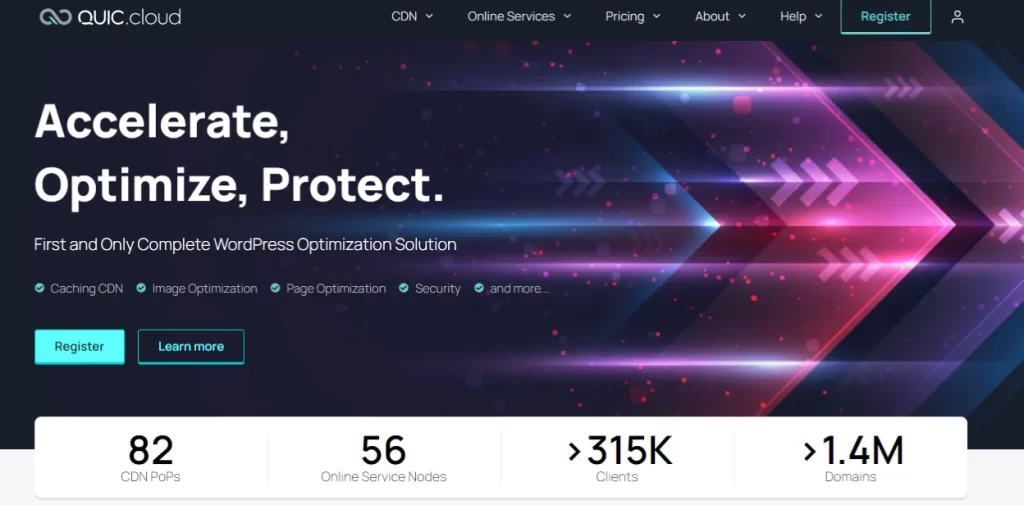
QUIC.cloud is optimized for WordPress—especially on LiteSpeed servers—and can cache dynamic content as well as static assets. It offers image optimization, DNS, DDoS protection, and a growing global PoP network. There’s a free tier (with limited PoPs) and paid tiers comparable in cost to Bunny for broader coverage and features.
Note: It works best within the LiteSpeed ecosystem; users on other stacks may face a learning curve or limitations.
CDN Wrap Up
The best CDN for your WordPress site depends on audience location, budget, stack, and security needs. Bunny is a strong, low-cost all-rounder; Cloudflare pairs global acceleration with powerful security; and QUIC.cloud excels for LiteSpeed + WordPress with dynamic caching.
Test the options most aligned with your stack and traffic profile, measure Core Web Vitals and TTFB, and keep cache-purge workflows tight to ensure content updates appear immediately.
