
Understanding Core Web Vitals: The Metrics That Shape WordPress Performance
When you’re serious about speeding up your WordPress site, Core Web Vitals are the best place to start. They don’t just measure how “fast” your site feels on a test—they measure how real people experience your pages in the browser.
These scores influence your SEO, user engagement, and the level of trust visitors feel when they land on your site. If you want to understand the true health of your WordPress site, this is where the story begins.
1. What Are Core Web Vitals?
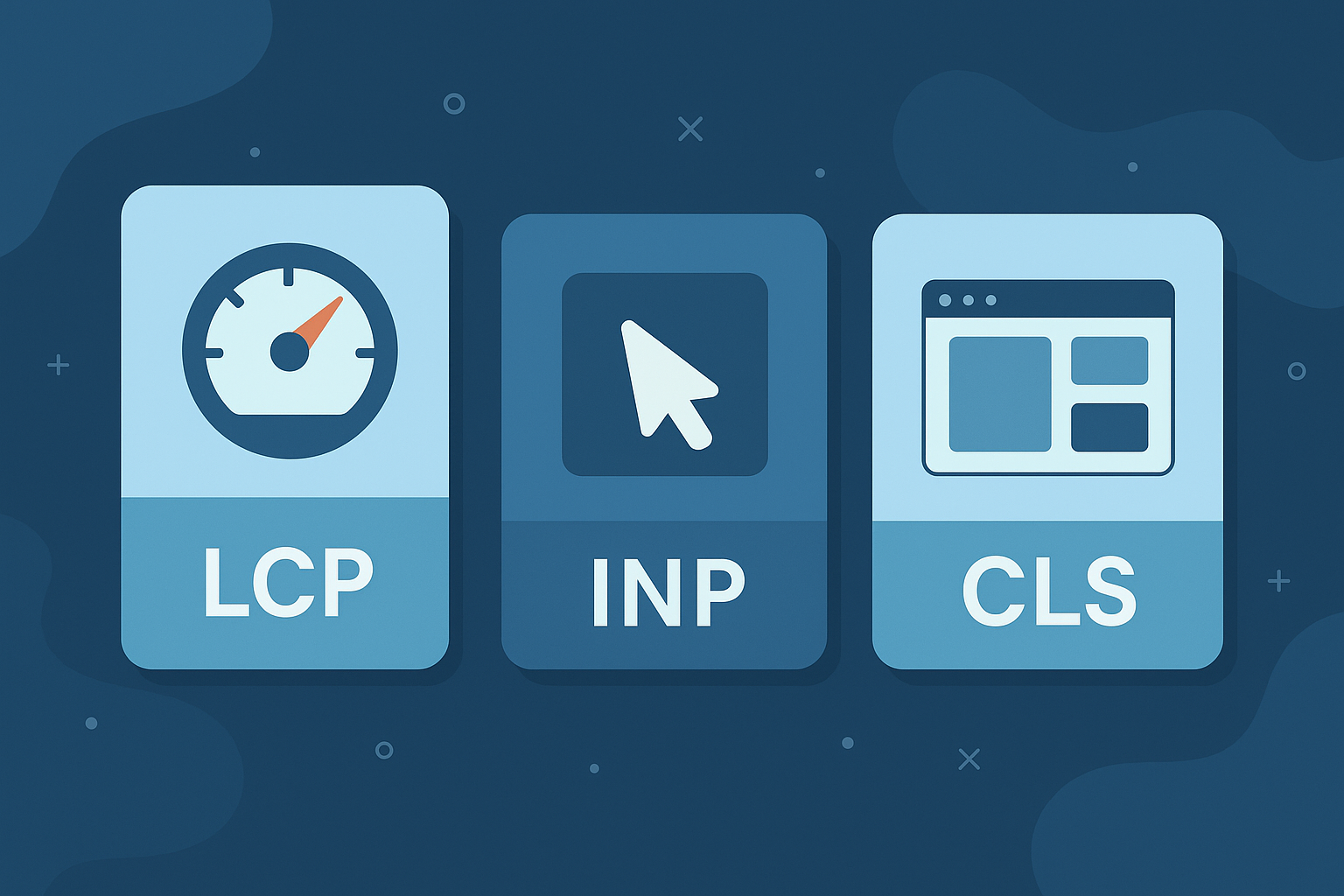
Core Web Vitals are Google’s three key user-experience signals that focus on loading, interactivity, and visual stability:
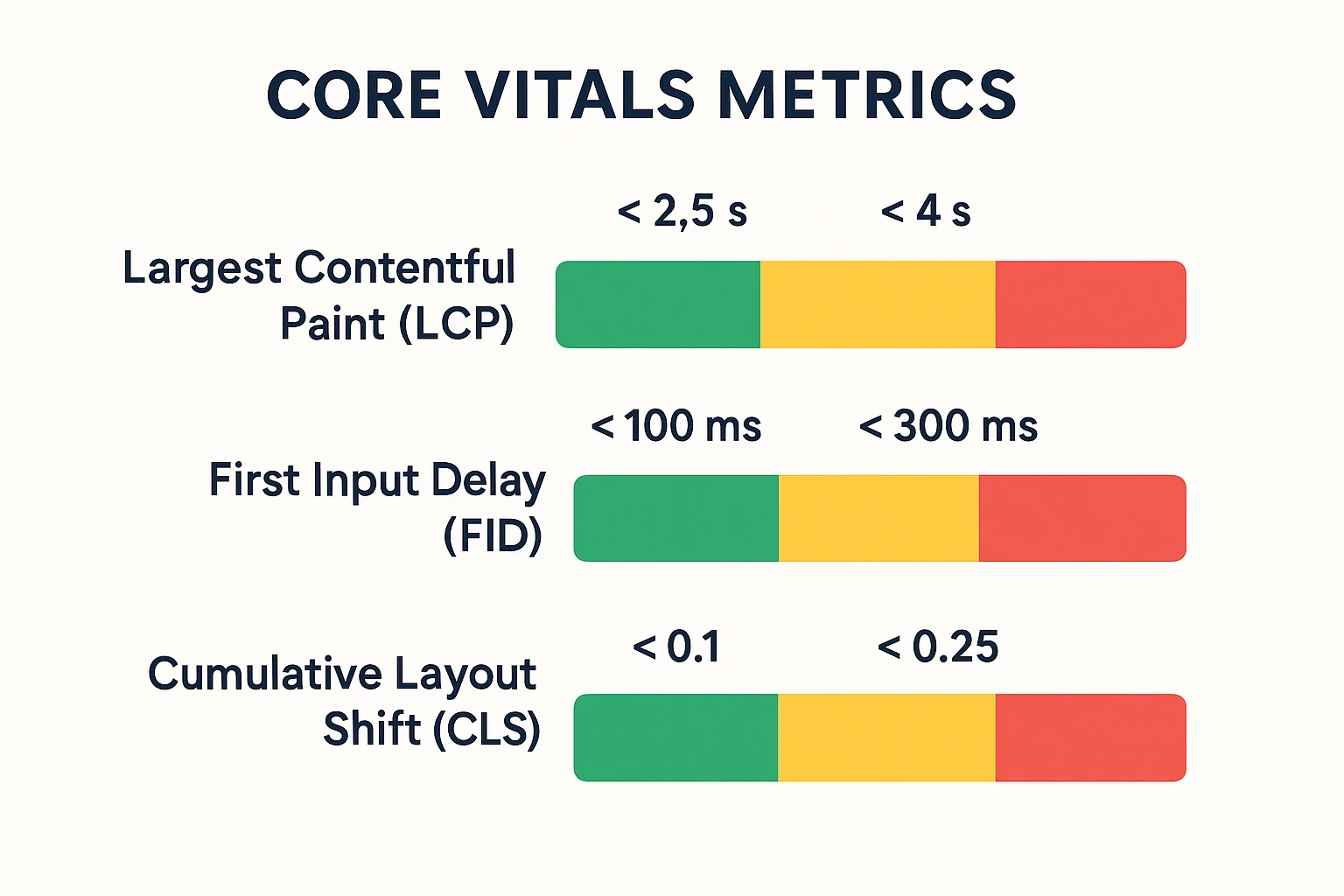
- Largest Contentful Paint (LCP): How quickly the main content on a page loads and becomes visible to the user.
- First Input Delay (FID): How long it takes for your site to respond when a user first clicks, taps, or interacts.
- Cumulative Layout Shift (CLS): How stable your layout is while the page is loading—do elements jump around or stay put?
Even if your total load time looks decent, poor responsiveness or layout shifting can make your site feel broken. Core Web Vitals capture that “real” experience from the moment the page starts loading until it’s fully usable.
2. Why Core Web Vitals Matter for WordPress Sites
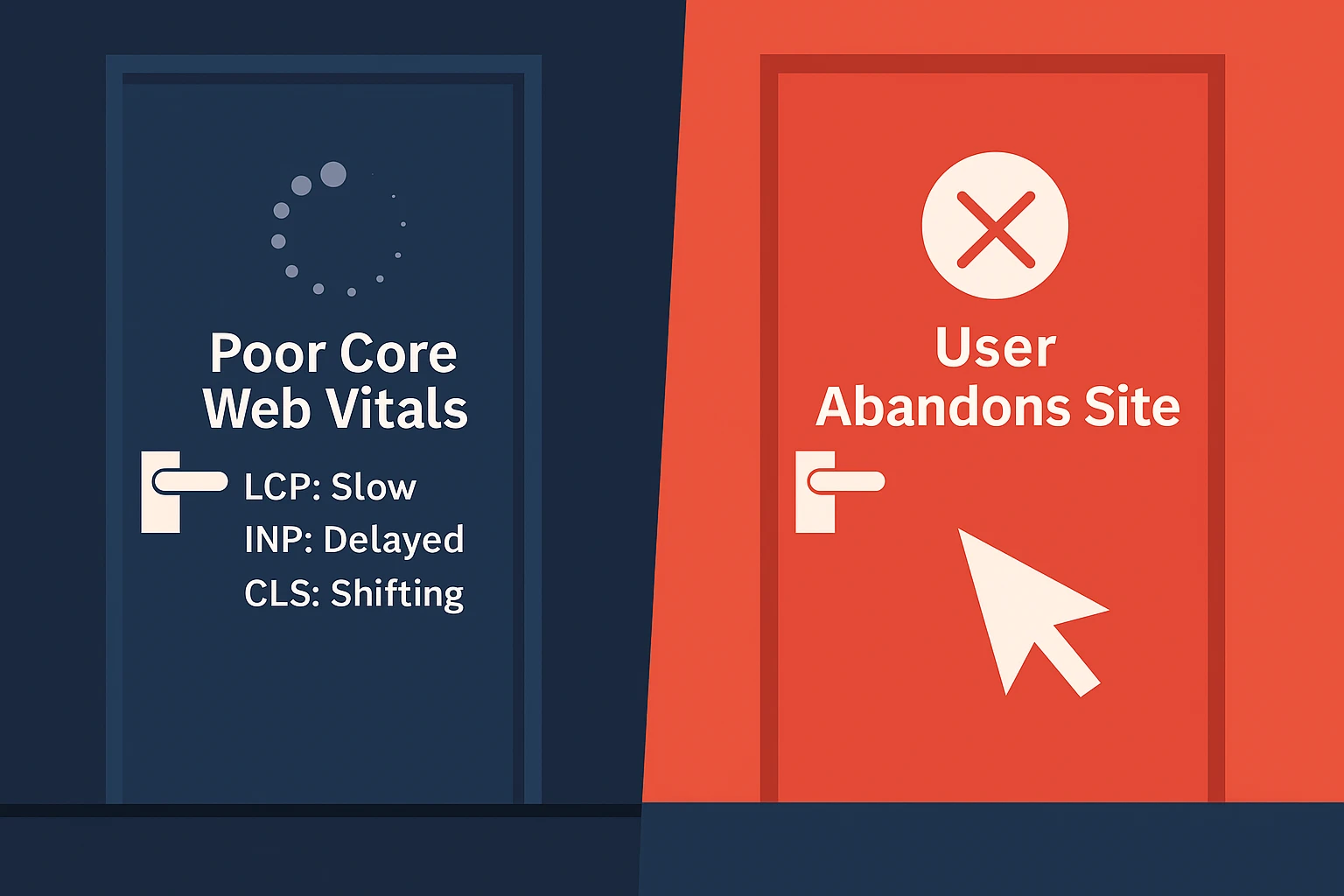
Core Web Vitals are part of Google’s ranking system, which means better scores can support better visibility. But the impact goes beyond SEO—these metrics directly affect how people feel when they browse your site.
- Higher chances of ranking well in organic search
- Lower bounce rates and longer on-page engagement
- Higher conversion rates from a smoother experience
- More trust from mobile users on slower connections
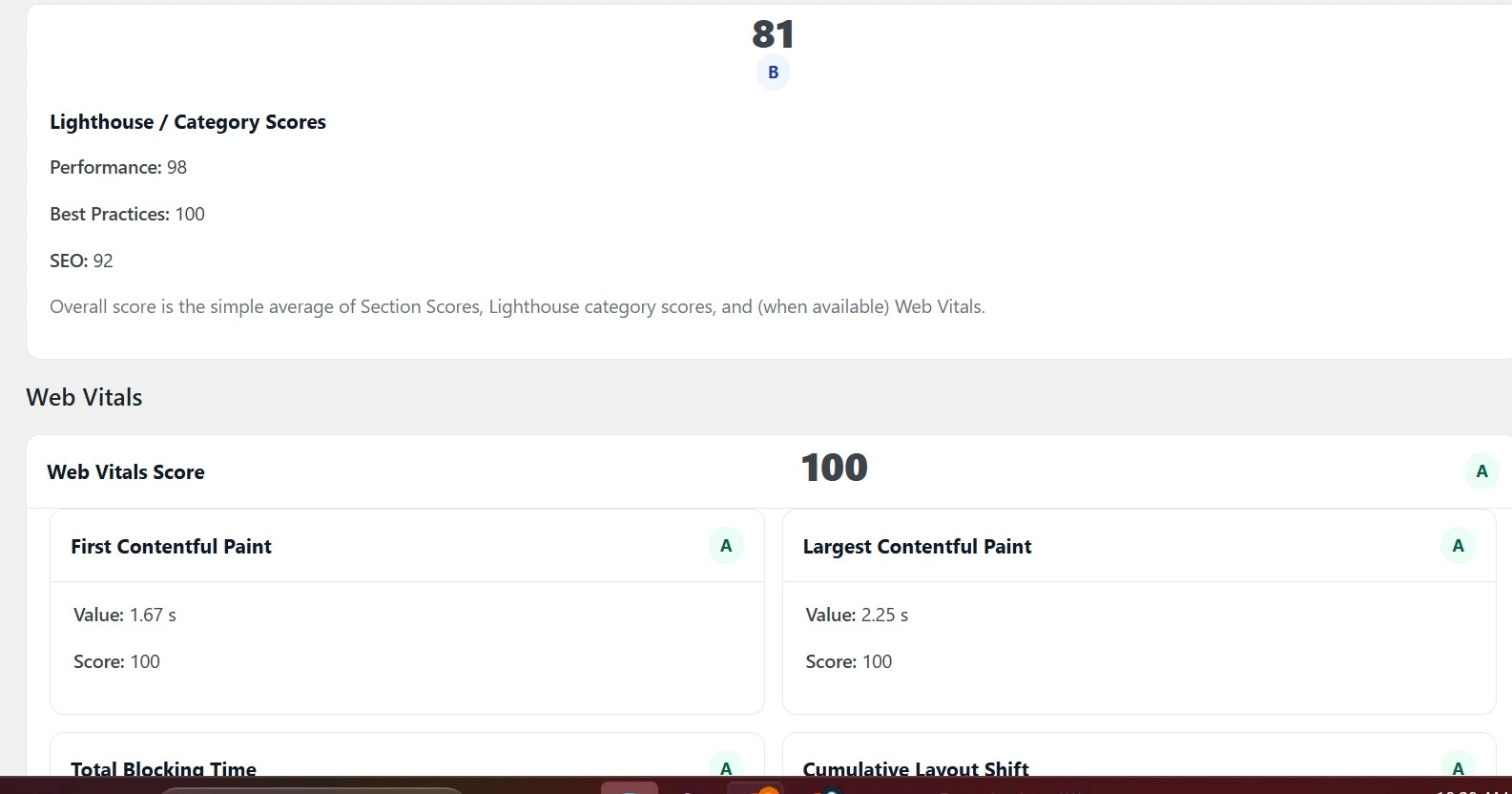
3. How to Measure Your Core Web Vitals
These free tools make it easy to test and monitor your Core Web Vitals over time:
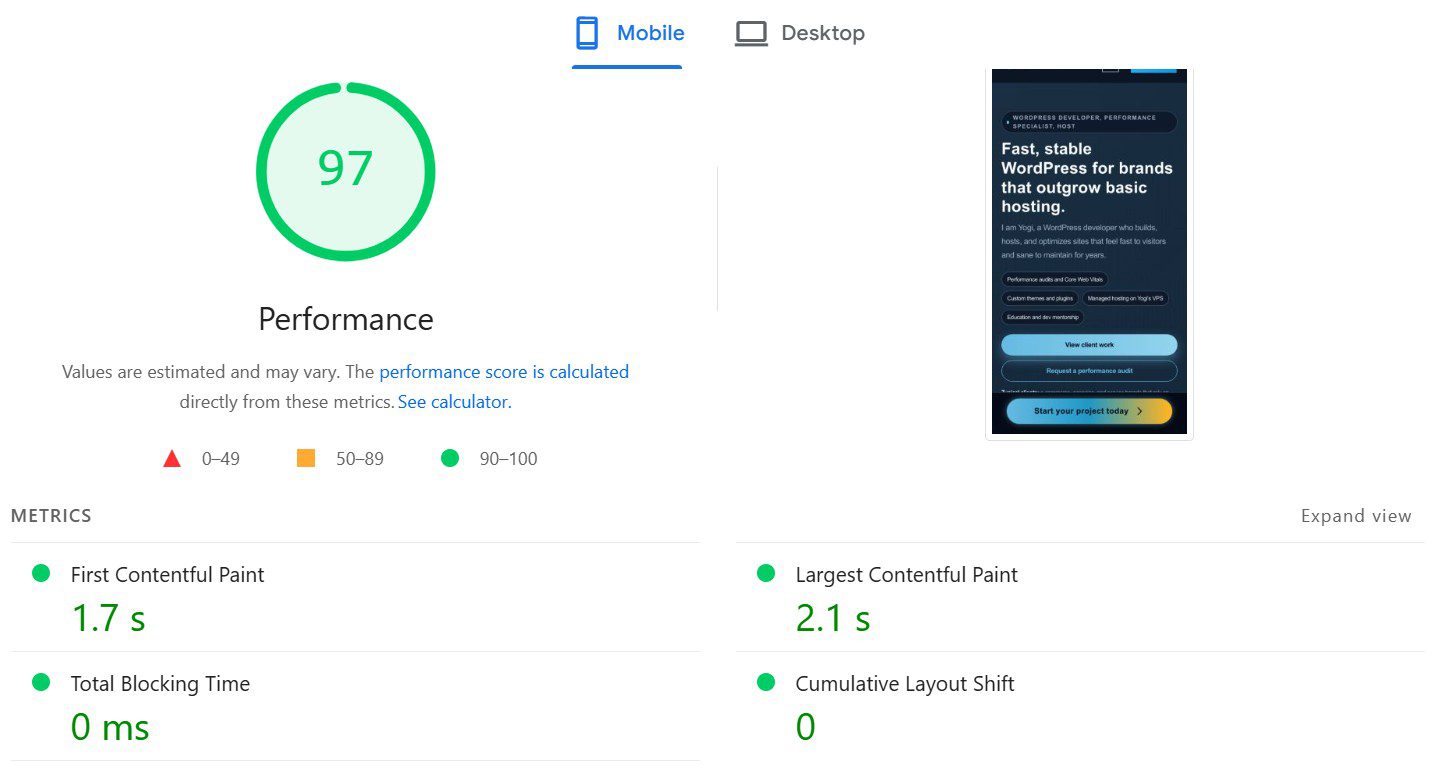
- PageSpeed Insights for quick page-level reports
- Lighthouse inside Chrome DevTools
- Core Web Vitals report in Search Console for real-user data
Whenever you can, prioritize field data (real user measurements) over lab data. Field data shows how your site behaves in real network conditions on real devices—not just on a single test machine.
4. How to Improve Core Web Vitals in WordPress
Improving Core Web Vitals is usually a combination of better hosting, smarter asset loading, and simpler design choices. Here’s a high-level breakdown of what to focus on for each metric:
Largest Contentful Paint (LCP)
- Use fast, well-configured hosting to improve TTFB (Time to First Byte)
- Enable page caching with tools like W3 Total Cache or a similar plugin
- Optimize hero images and convert them to WebP or AVIF
- Deliver static assets (images, CSS, JS) through a global CDN
First Input Delay (FID)
- Reduce heavy JavaScript and remove scripts you don’t truly need
- Defer or delay non-critical JavaScript where possible
- Choose lightweight themes and plugins instead of “all-in-one” bundles
- Limit third-party tags and tracking pixels that block interaction
Cumulative Layout Shift (CLS)
- Set explicit width and height (or aspect ratio) for images and videos
- Avoid injecting banners, popups, or ads above content that’s already visible
- Reserve space for dynamic elements so they don’t push content down as they load
5. Common Mistakes That Hurt Core Web Vitals
Most Core Web Vitals issues on WordPress sites come from the same handful of patterns:
- Heavy sliders or background videos in the hero section
- Themes that are bloated, outdated, or crammed with features you don’t use
- Too many custom fonts and third-party scripts loading on every page
- Unoptimized images and missing lazy loading on below-the-fold content
Small decisions add up. A lighter theme, fewer scripts, and a focused design can dramatically improve your scores— even before advanced tuning or code-level changes.
6. Core Web Vitals Are About Real People, Not Just Scores
Tools and scores are useful, but Core Web Vitals are ultimately about how people feel using your site. A fast, stable, responsive WordPress experience builds confidence and makes it easier for visitors to read, click, and buy.
Final Thoughts: Test, Improve, and Keep Going
Core Web Vitals aren’t a one-time project. As you publish new content, add plugins, or redesign sections of your site, your metrics can shift. That’s why ongoing monitoring and small, consistent improvements matter.
If you want a clear, actionable breakdown of your current performance—and a prioritized list of what to fix first— you can request a free WordPress performance audit at SitesByYogi.com.