Free WordPress Performance Snapshot

See how your WordPress site is really performing — before you guess at fixes.

Run our free performance audit tool to get a clear snapshot of your site’s speed, Core Web Vitals, and overall health. No sales call. No fluff. Just real data.

You’ll get a simple scorecard that highlights potential issues and helps you decide whether a deeper, human-led diagnostic makes sense.
100% free – no credit card Self-run audit tool Built specifically for WordPress sites
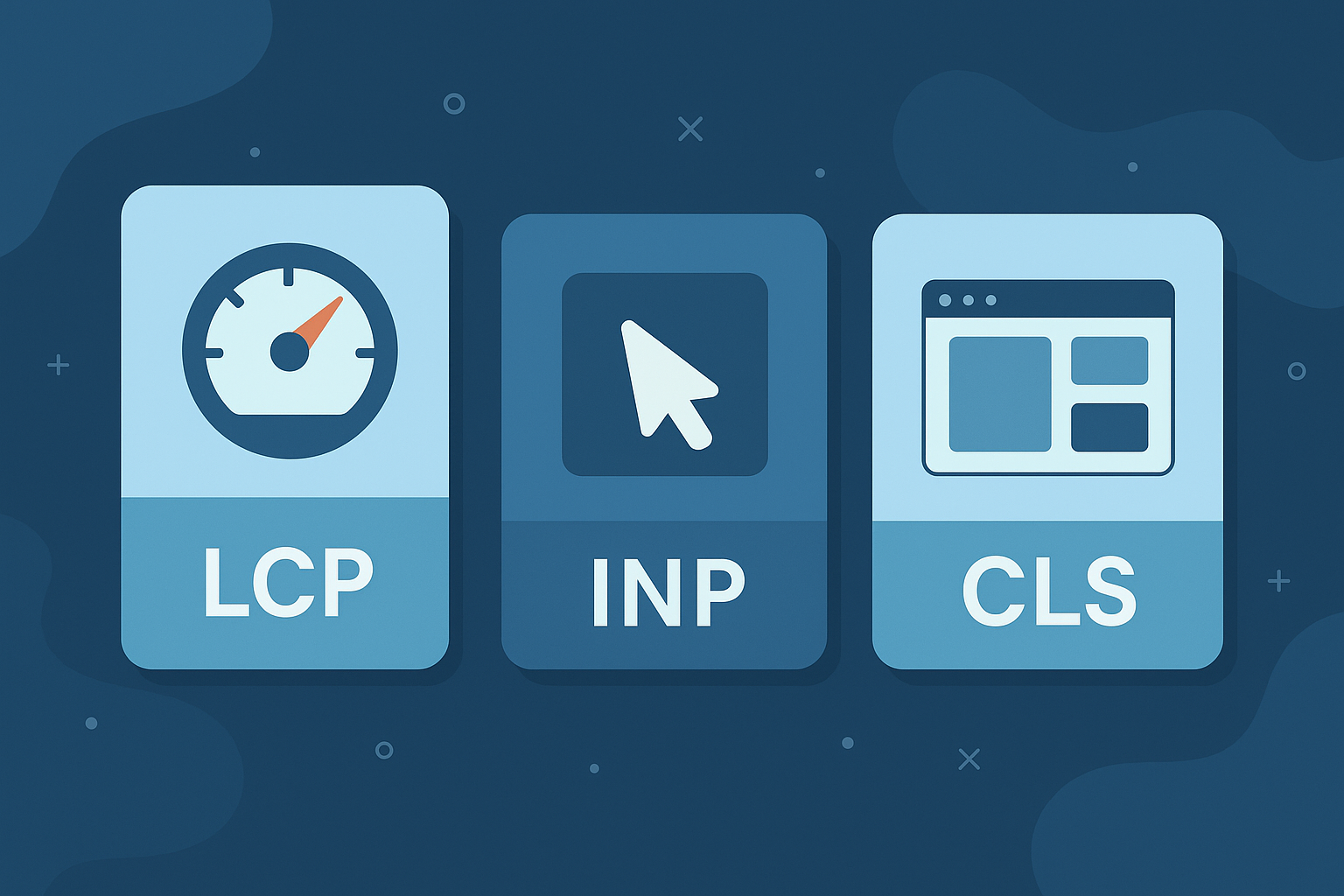
Performance snapshot illustration showing WordPress speed and Core Web Vitals signals
A quick, automated snapshot that helps you spot speed and stability warning signs.

Why start with a free performance snapshot?

Most site owners jump straight into fixes, hosting changes, or rebuilds without understanding what’s actually wrong. This snapshot gives you an objective baseline before you invest time or money.

It’s fast, lightweight, and designed to surface warning signs. We won't overwhelm you with noise or push you into a decision.

Automated, no pressure Built for WordPress only Step one before a real diagnosis

Performance Signals

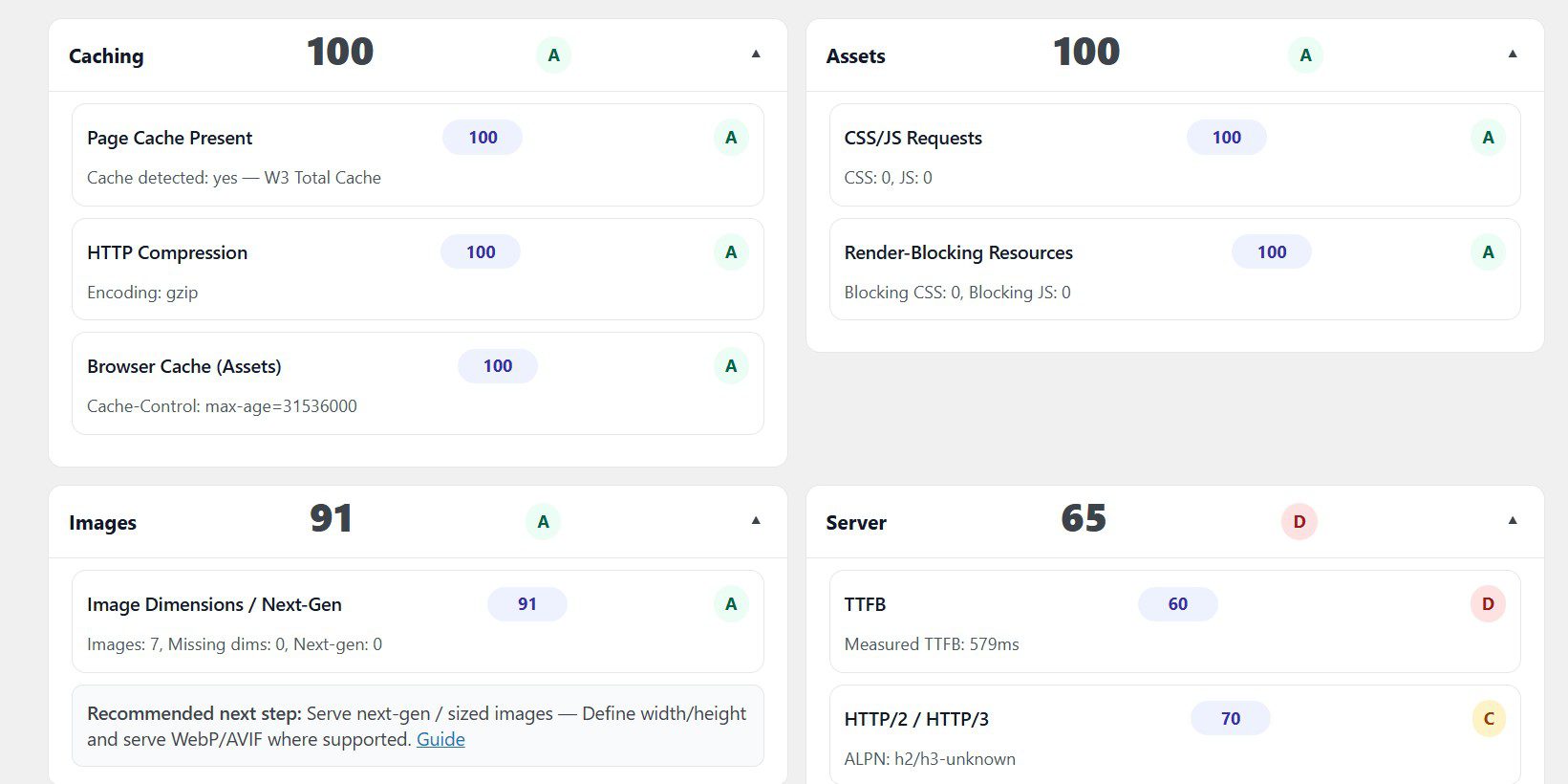
See your PageSpeed Insights data, Core Web Vitals status, and indicators that commonly point to slow or inefficient setups.

Caching & Asset Delivery

Identify whether page caching, render-blocking assets, or front-end bloat may be affecting load time and user experience.

Hosting & Stack Indicators

Get signals around server response time, environment setup, and whether your current hosting may be setting a performance ceiling.

Clear Next Step

Use the snapshot to decide whether you can safely DIY improvements or if a paid, human-led diagnostic is the smarter move.
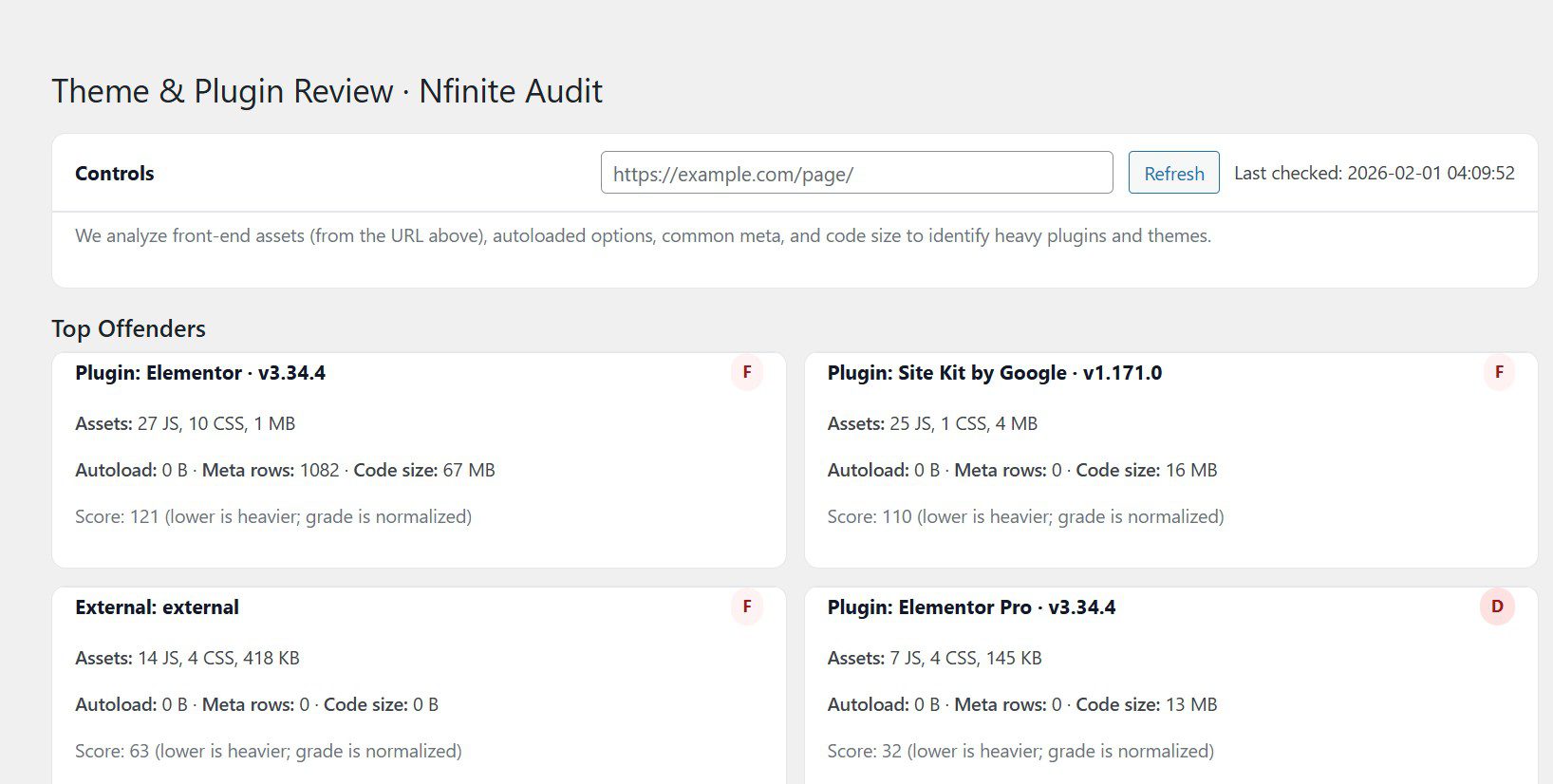
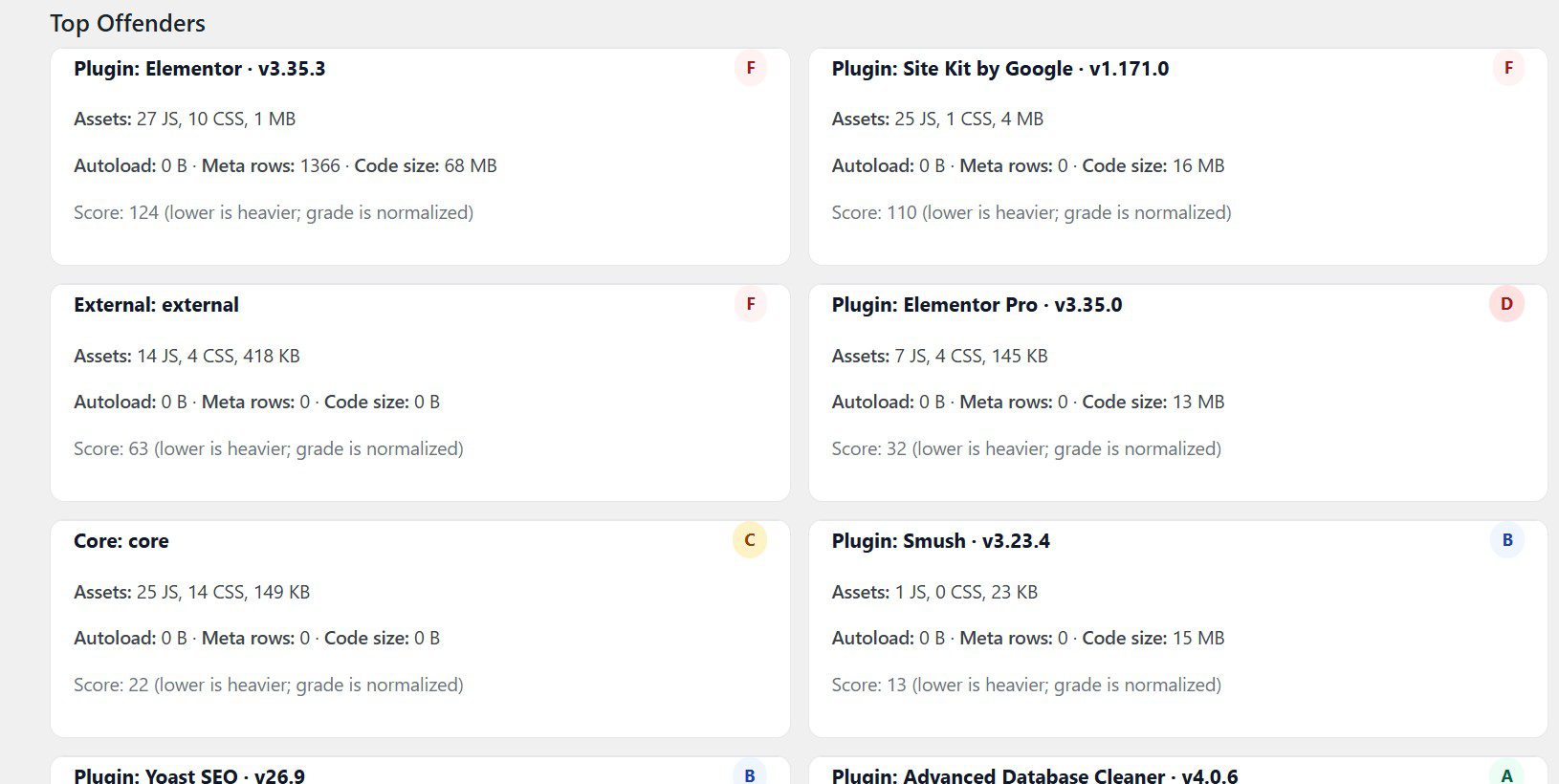
Animated walkthrough showing plugin installation, performance scan, and snapshot scorecard

How the free snapshot works

Quick, transparent, and zero obligation. This is a data point, not a sales call.

1

Install the free plugin

Download the Nfinite Performance Audit plugin then install and activate it on your WordPress site.

2

Run the audit

Submit your WordPress site and let the audit tool run. No access credentials required.

3

Review your snapshot

Get a clear scorecard showing performance, Core Web Vitals status, and common problem areas.

Run your free WordPress performance snapshot

Submit your site and generate a fast, tool-driven baseline of speed, Core Web Vitals, and common performance blockers. No credit card. No sales call.

If the snapshot flags deeper issues, you’ll have the option to request a paid diagnostic review where we interpret the results and map out the best next steps.

  • Performance score + Core Web Vitals snapshot
  • Caching + render-blocking asset signals
  • Hosting / stack indicators (TTFB, environment signals)
  • Plugin + theme inventory (risk and bloat signals)
Used by teams who rely on WordPress for speed, stability, and revenue:
Service businesses running paid traffic
E-commerce & subscription sites
National and multi-location brands
Agencies needing a WordPress performance partner

Frequently asked questions

Is this really free?

Yes. The performance snapshot is completely free and self-run. It gives you real data about your site without requiring a call or commitment. A deeper, human-led diagnostic is optional and only offered if it makes sense.

Is this just an automated tool?

The free snapshot is automated by design. If you want expert interpretation, prioritization, and recommendations tailored to your business, that’s handled through a separate paid diagnostic review.

How long does the snapshot take?

Results are generated quickly after you submit your site. Because it’s automated, there’s no waiting period like a traditional audit.

What if I already have a developer or agency?

That’s fine. Many teams use the snapshot as a second opinion or a way to sanity-check performance before approving changes with their existing developer or host.